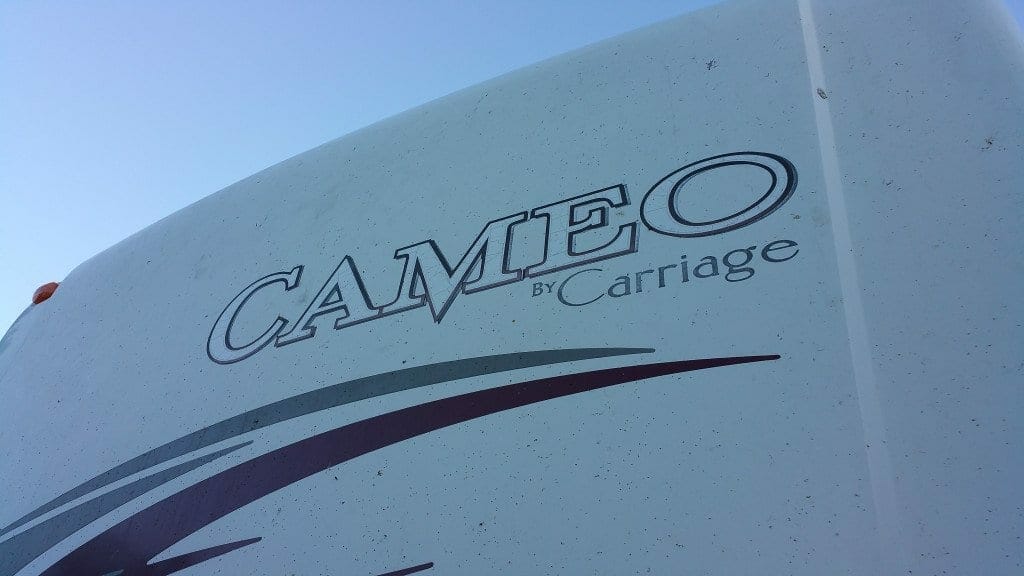
Dropped the Cameo off at VIP Enterprises / RV Stripes, Graphics and More in San Bernardino,Ca today. Thought I’d post the “before” photos up first, then post how it looks when they finish up next Monday. (They get some extra wow factor because
I’d pulled the wiring out for the Bigfoot system. The old plugs are being replaced but I’ve lost the old power plug so I don’t know which pins the red and
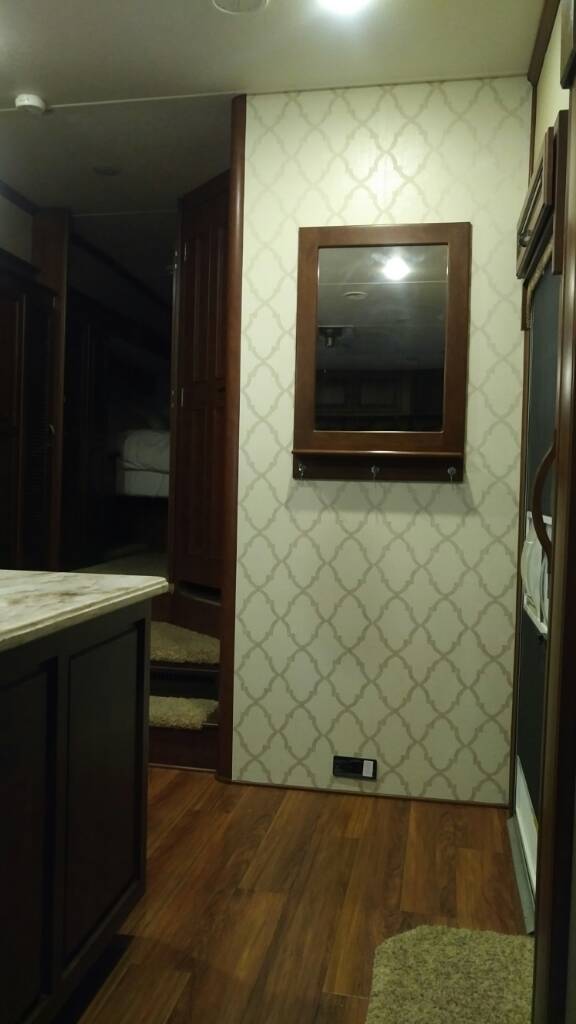
We have the LS36FW. Am trying to find some ways to brighten it up a little inside. Has anyone ever painted or wallpapered the wood wall where the mirror/coat hangers is? I just ordered wallpaper in a light color that will coordinate with the rest of the interior wallpaper. I will post pics after I do it… unless I make a huge mess :-)
Wallpaper is up. It really does help to have lighter walls. I papered the entry wood wall, the dark wood area in the kitchen and around the head of the bed. The paper I used is Brewster prism, pattern DL20911 . Here’s some pics. We are really
2. A browser tab will open showing your download in .zip format with the download button.
3. Click the download button.
4. The .zip file will appear in a pop-up winow. Click the "Save" button in the lower right corner of the popup.
5. You may see a brief pop-up notice that you can click on to open the file or you can go to your "Downloads Folder" in your File Explorer.
6. In the File Explorer window, your download will appear at the top of the list of downloads.
7. Left click to "Highlight" the file.
8. In the Header of the window, you'll see "Extract All"... A pop-up will appear, you can click "Extract" button to extract and save to the default location shown in the pop-up and open it from there or you can click on the "Browse" button and choose your preferred location to save it.
9. Click on the "Extract" button.
10. Once Extracted, you can open and view the file.